Trello card mirroring that keeps checklists and files with the card
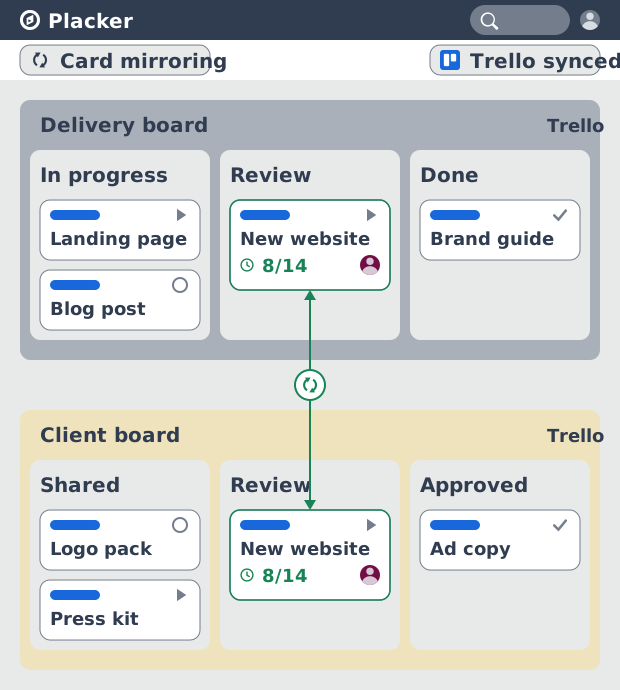
Native Trello mirrors put the same card on another board, then stop there: checklists and attachments don't follow, Power-Ups don't run, and a teammate needs access to the source board to open it. Placker's Card Mirror & Sync keeps the whole card in step across boards, and edits flow both ways.
Quick facts
Card Mirror and sync for Trello
Keep the same card current on every Trello board it lives on. Here is what mirroring does for you:
- Two-way sync in seconds. Change a card on either board and Placker pushes the update to every linked copy within seconds; edits on the mirror travel back to the source, not only forward.
- Fields native mirrors leave behind. Placker keeps the parts a native mirror can't. Checklists, attachments, comments, members, labels, the list, dates, and custom fields all stay matched across boards.
- Readable without source-board access. A teammate opens a mirrored card on their own board even when they are not a member of the source board, which is what makes client and cross-team boards work.
- Rules that mirror cards for you. Set a condition and Placker mirrors the card when it matches: a label is added, a member is assigned, or the card moves to a list, with no manual copying.
Full-card sync
Keep every part of the card in step
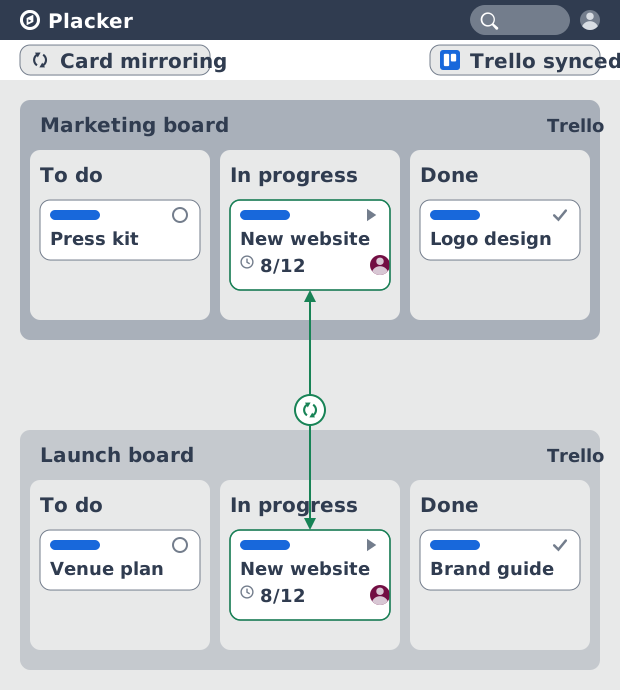
The full card record mirrors across boards: its checklist items, attachments, comments, members, labels, dates, and custom fields. A native Trello mirror shows the same card in two places, but Power-Ups and card buttons don't run on the copy and the synced data stops at the surface. Because the field values themselves sync, a checklist item you tick on one board shows ticked on the other. Your team works from one card instead of reconciling two.
No source-board access needed
Show live progress to people outside the board
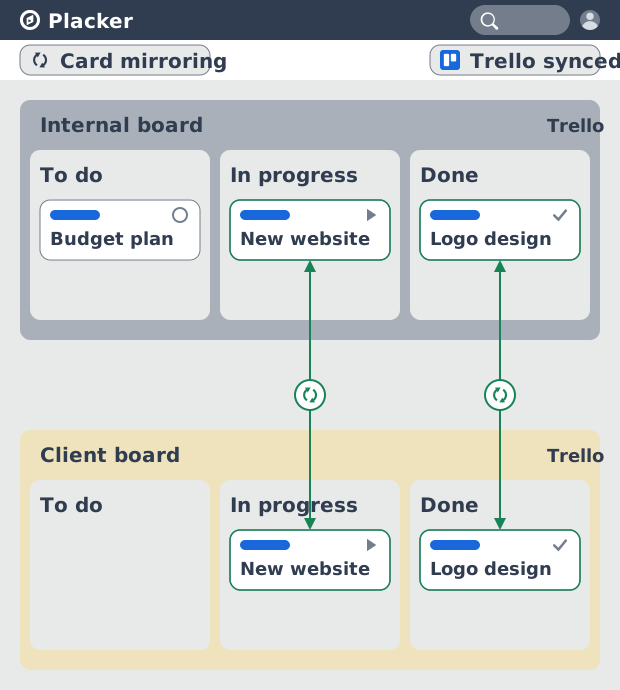
Mirror a card to another board and the people on that board can open and edit it without joining the source board. Native mirrors need source-board access to show their contents, which is exactly what you can't grant a client or a neighboring team. Here that requirement goes away: you sync a chosen set of cards to a client board, the client follows real status, and the rest of your internal board stays private.
Automation
Let rules build the mirrors
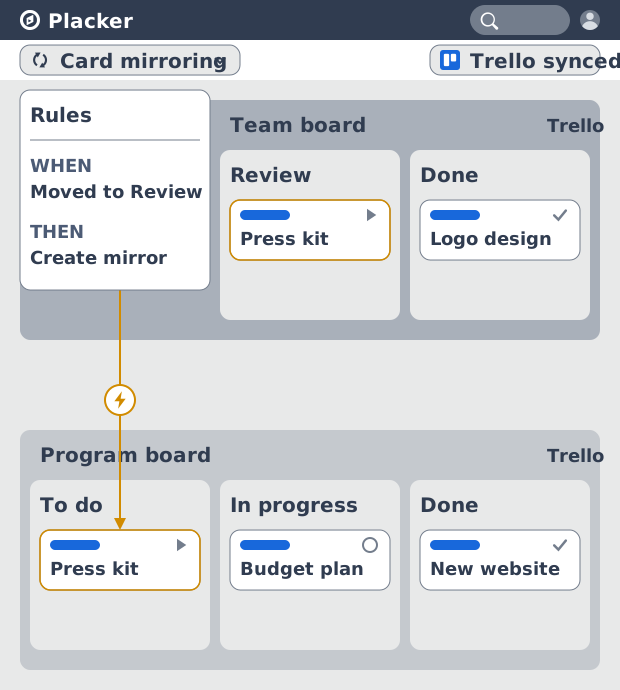
Placker's automation creates and updates mirrors from conditions you set, with AND/OR logic. Triggers include a card moving to a list, a member being assigned, a label added, a checklist item changing status, or a date being edited. A rule can also run in reverse, unlinking or archiving a mirror once the condition no longer holds. A program board then fills and clears itself as work on the team boards matches your rules, and nobody copies cards by hand.
How It Works
Mirror your first Trello card in four steps, then let rules keep the boards in sync.
- 1
Add the Power-Up to your board
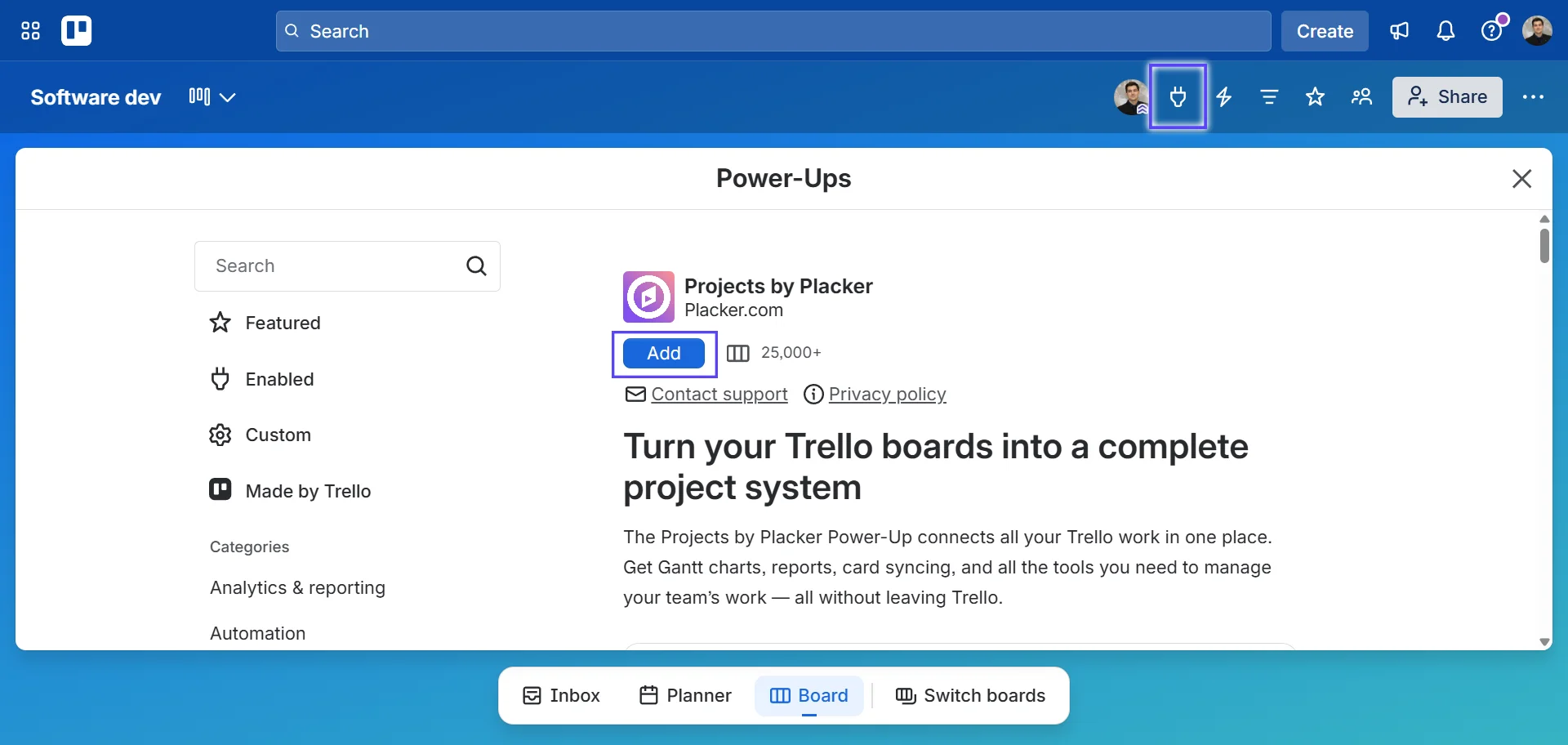
Open your Trello board, click Power-Ups, and enable Card Mirror & Sync (2 way) and Board Workflow by Placker. Sign in to connect the boards you want to mirror between.
- 2
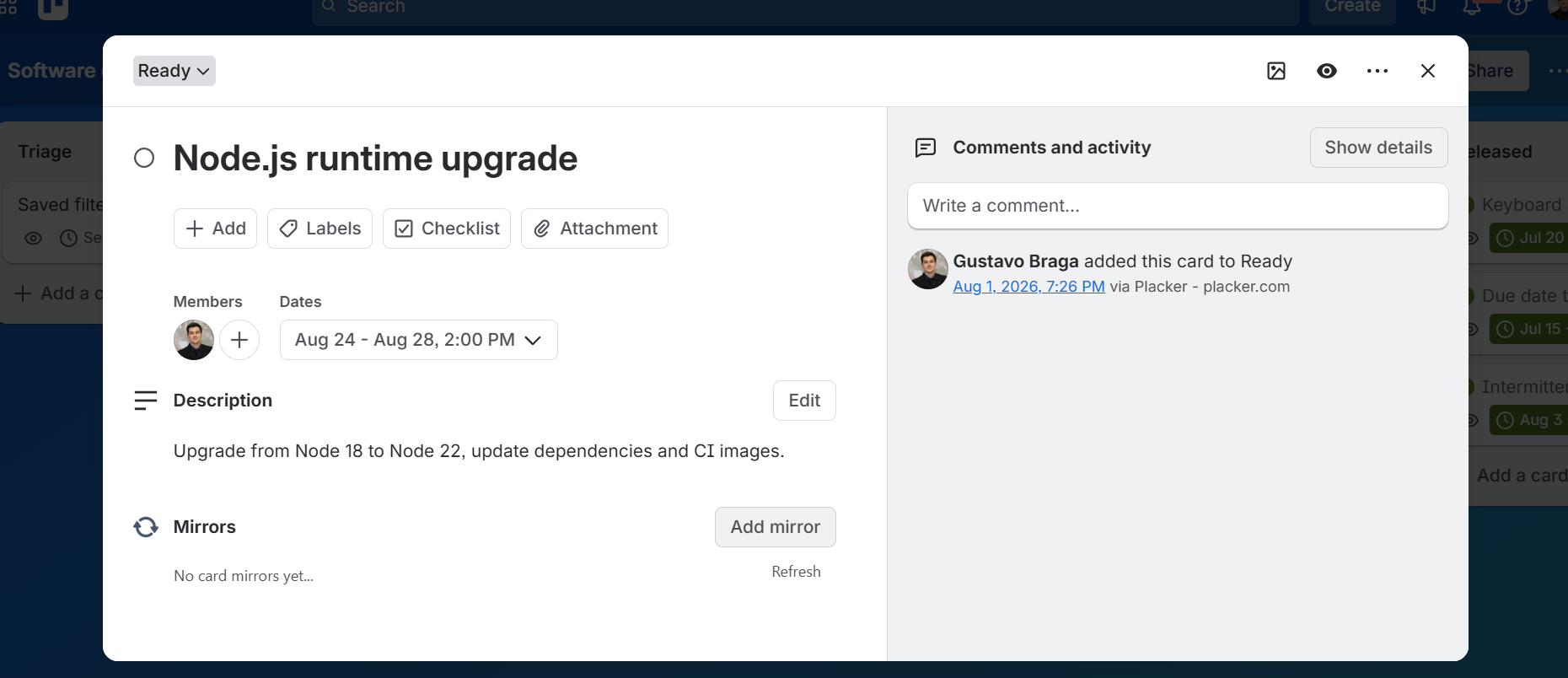
Mirror a card
Open a card, click Add Mirror, then pick the target board. Existing Trello native mirror links convert to full Placker mirrors when you import the board.
- 3
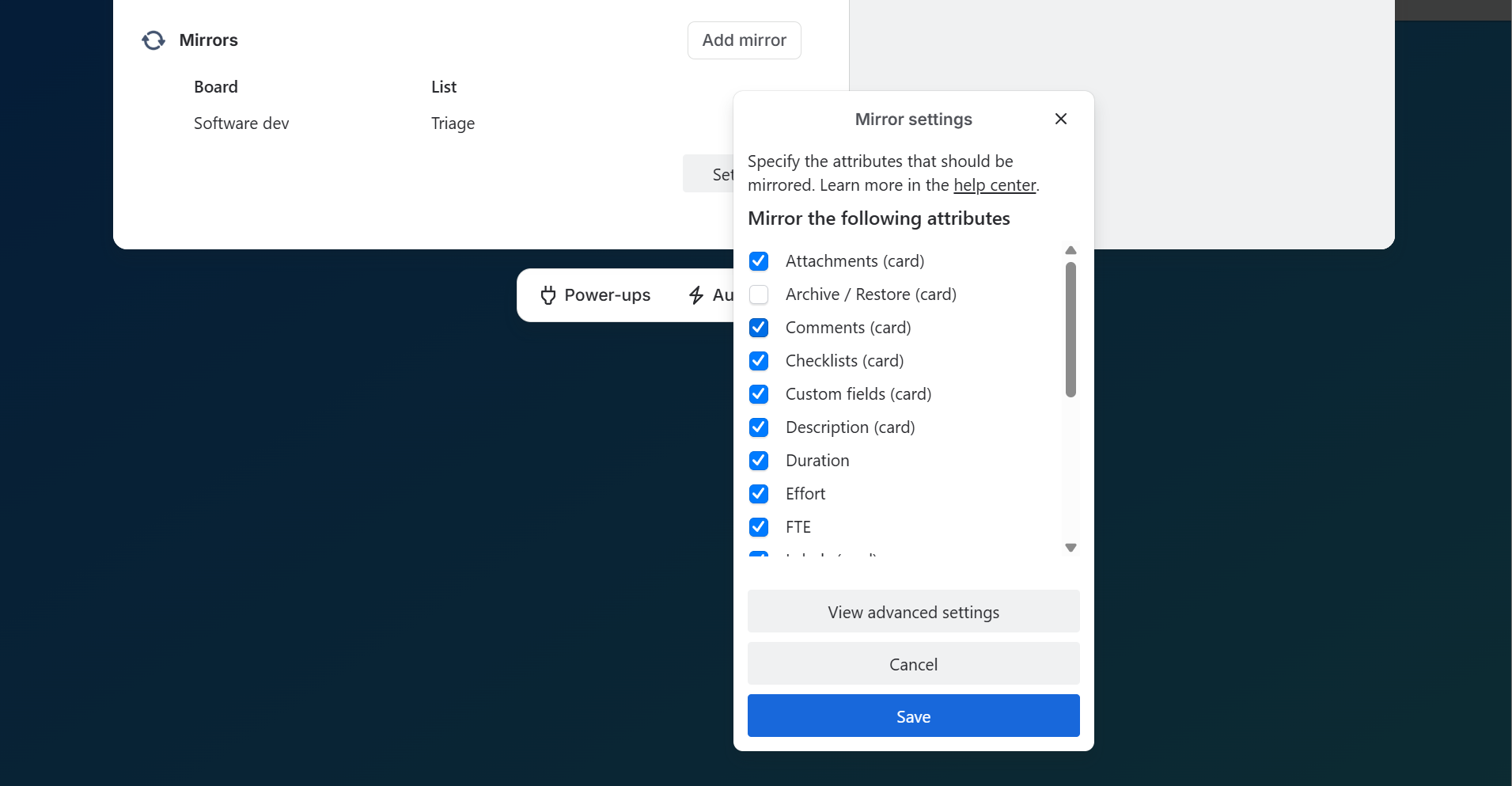
Choose what syncs
Confirm which elements mirror: fields, checklists, attachments, and comments. Labels and custom fields match by name across boards, and Placker can create the missing ones if you allow it in board settings.
- 4
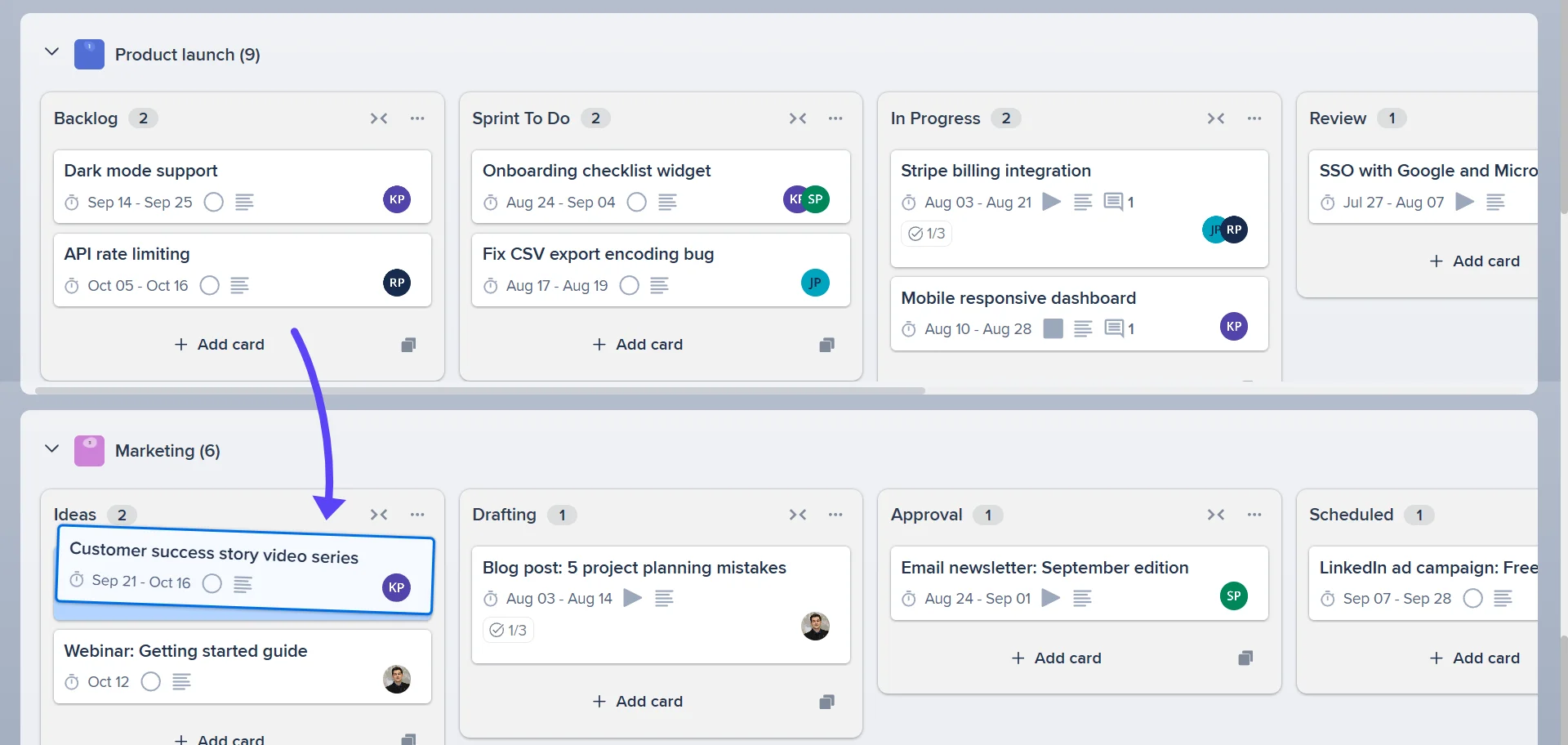
Edit on either board
Change the card on the source or the mirror and the update reaches every linked copy within a few seconds. Archiving or restoring the card carries across to its mirrors too.
Use cases
Where teams use Card Mirroring and sync to keep the same work aligned across boards.
Cross-team dependency tracking
An engineering team mirrors cards representing frontend tasks onto the backend team's Trello board. When the frontend card moves to Done, the mirrored card on the backend board updates automatically, signalling that the dependency is cleared without a cross-team status message.
Agency sharing client deliverables
A digital agency mirrors delivery cards from their internal Trello board to a client-facing board. The client sees the latest status of each deliverable in real time without access to the agency's full project board, keeping progress visible while protecting internal work.
Manager syncing parent and sub-boards
A programme manager creates a parent board with one card per workstream and mirrors each card onto the relevant team's Trello board. Teams work on the detail in their own board, and the parent card status updates when the mirror changes, giving the manager a roll-up view without manual updates.
Tips & Best Practices
Practical advice to get the most out of your workflow
Mirror a Trello card to share a task between boards without duplicate effort
When a task affects two projects or teams, use Placker’s Card Mirror to create a linked copy on a second Trello board. Both cards stay in sync, so both teams always have the latest information.
Use Card Mirror to give another team visibility without board access
Mirror a Trello card onto another board to keep a second team informed about a shared task. They see it in their workspace; you keep control of yours, and Placker handles the sync.
Update either the original or the mirror, and they stay in sync automatically
Whether you edit the card on the original board or on the mirrored board, Placker syncs the changes automatically. No need to remember which version to update. They always match.
Use Card Mirror to track cross-board dependencies in Trello
If one Trello board’s card blocks work on another, mirror it across so the dependent team can see its current status at all times. Real-time visibility cuts back on the status-check messages between teams.
Related pages
Trello integrations: two-way sync with Placker
Add two-way card sync, Google Calendar, Clockify time tracking, and webhooks to Trello with the Placker Power-Up. See how it works.
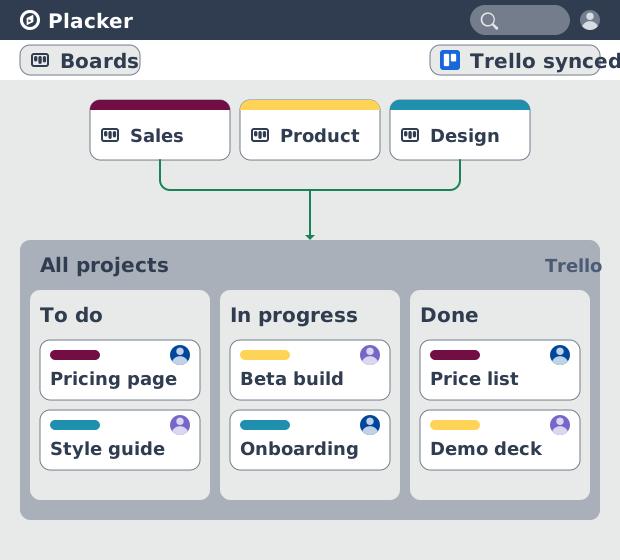
Trello board view: Kanban layouts and reports
Add Kanban structure to your Trello boards with Placker's board view. Group, swimlane, and report on the cards you already have. Add to Trello.
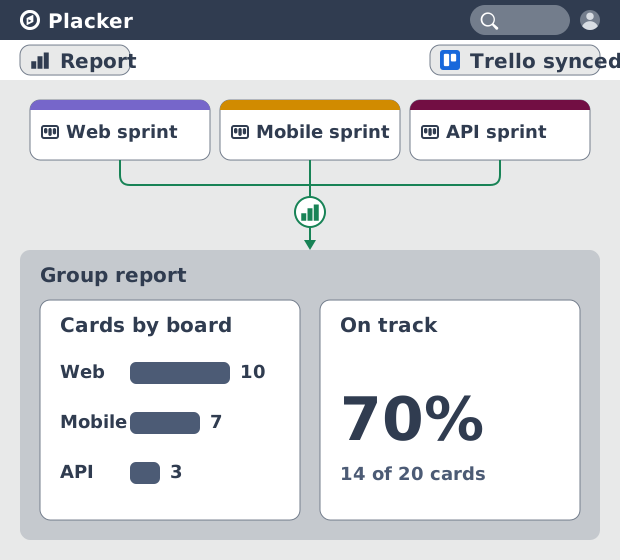
Trello dashboards and reports
Turn your Trello boards into live dashboards. Cross-board reporting, pivot tables, and scheduled PDF reports. Add Reports by Placker to Trello.
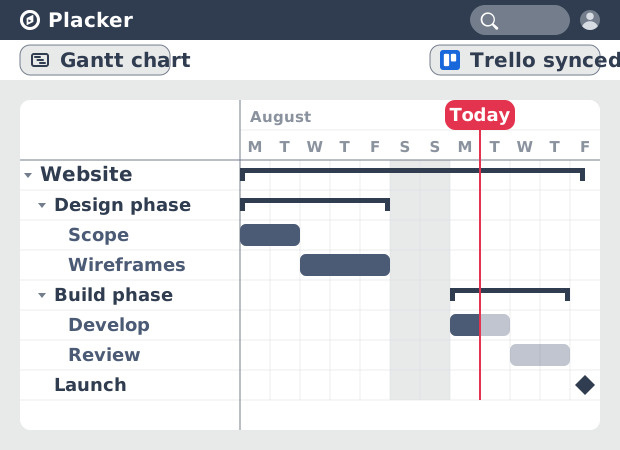
Gantt Chart for Trello with Dependencies
Add a real Gantt chart to your Trello boards. Placker turns cards with dates into a timeline with dependencies, critical path, and resource planning.
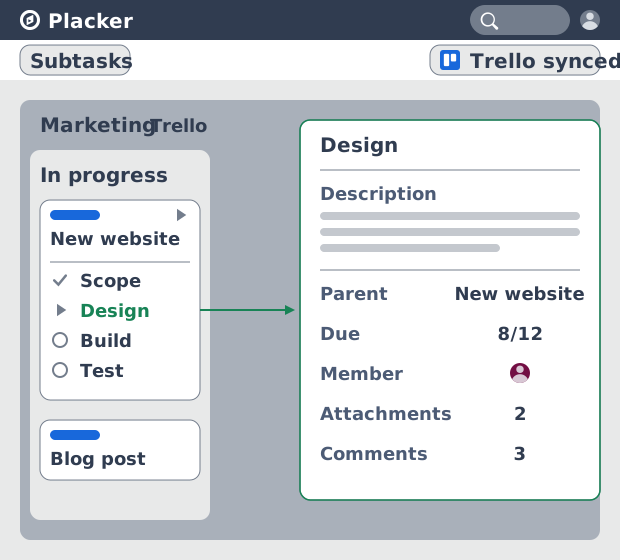
Trello Subtasks: Parent-Child Cards for Trello
Add real subtasks to Trello. Parent-child cards give each checklist item its own card and dates, and roll effort up. Add to Trello free.
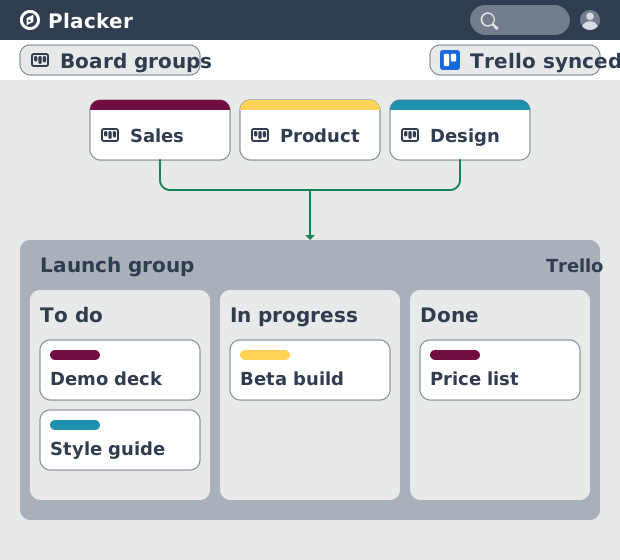
Board Groups for Trello: one combined board view
Load several Trello boards into one combined board view. Placker adds cross-board filtering, drag-and-drop between boards, and combine and split. See how.
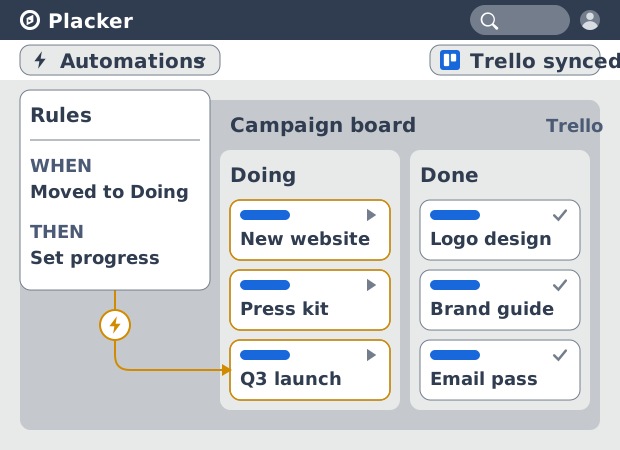
Trello automation rules: beyond Butler limits
Automate Trello boards with no monthly run cap. Placker rules mirror cards two ways and reach fields Butler can't. See how it works.
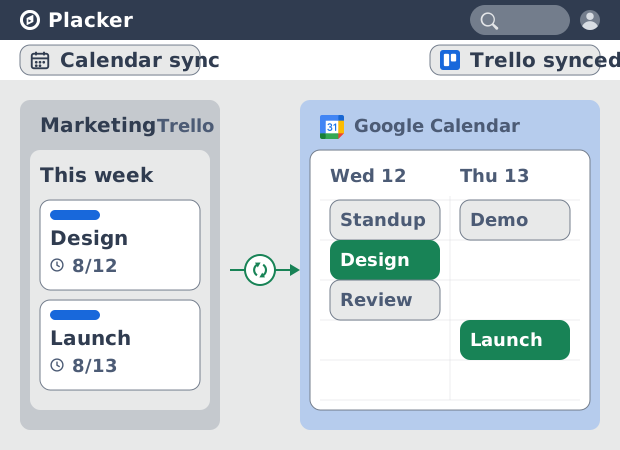
Trello Google Calendar sync: two-way & real-time
Sync Trello cards with due dates to Google Calendar both ways, in under a minute. Edit in either tool and the other updates. Add it to Trello.
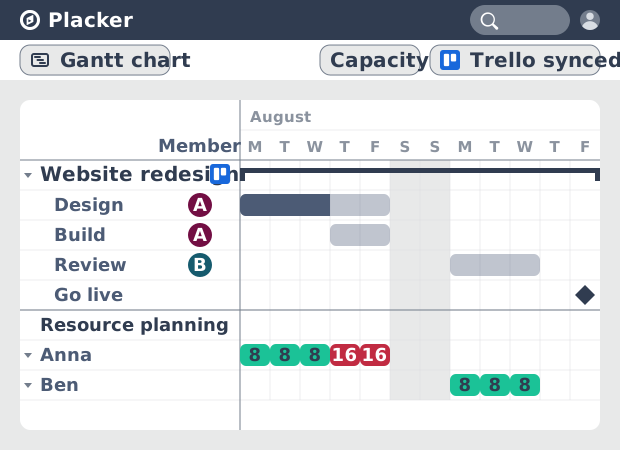
Resource Planner for Trello: Workload Management
See committed hours per Trello member, not just card counts. Placker adds overallocation alerts, cross-board FTE reports, and capacity templates.
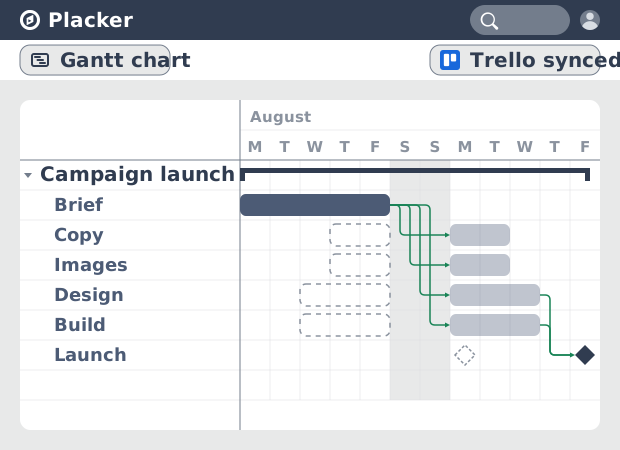
Auto-scheduling for Trello
Trello boards have no native dependency system. The Placker Power-Up adds auto-scheduling so dates propagate when cards slip. See how it works.
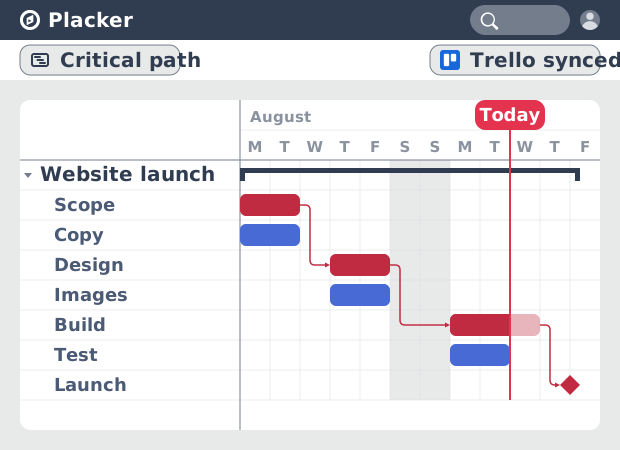
Critical Path for Trello: Gantt & CPM
Add critical path analysis to Trello. Placker calculates float and flags critical tasks in red on a Gantt chart. Add to Trello free.
Ready to supercharge your Trello boards?
Start your 15-day free trial today. No credit card required.